
The Timetell app. Always in control of time.
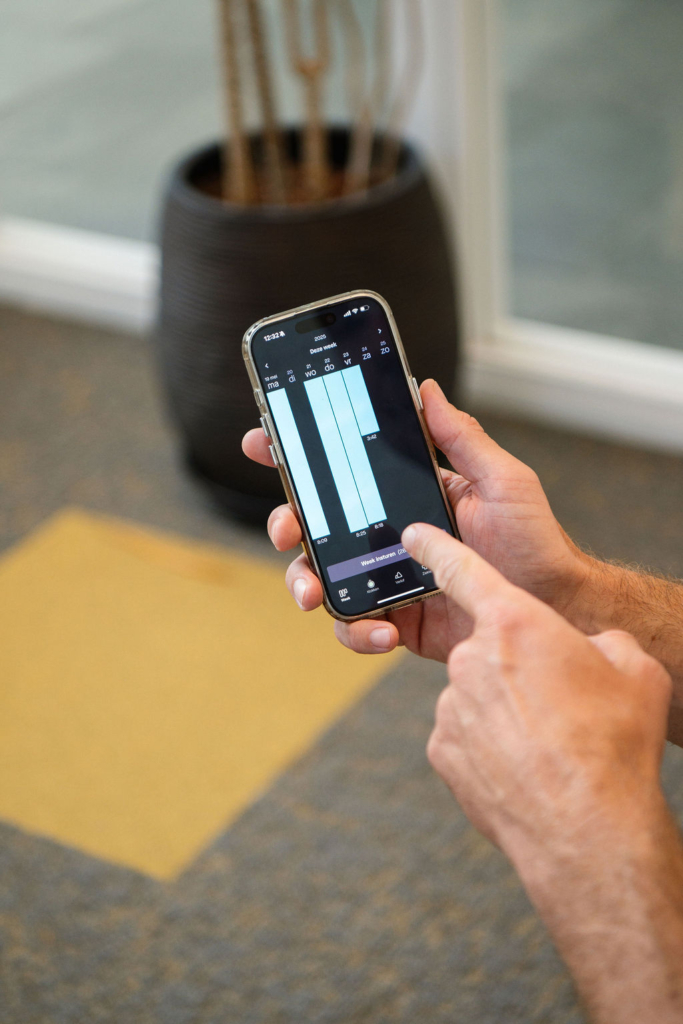
With the Timetell app, employees register hours, submit expenses, and request leave on their smartphone. Managers approve requests, view schedules, and see who is available. All data is updated in real time.
These organisations trust Timetell’s software.















What the Timetell app does for you
Our time tracking app makes work flexible, clear, and efficient. All data from time tracking, planning, expense management, and leave functionalities come together in one user-friendly environment.



What makes the Timetell app unique?
With the Timetell app you stay in control of time, projects, and presence. Simple, secure, and fully integrated. One app, one overview, one way of working.
-
Always and everywhere insight
Hours, expenses, planning, and presence in one app. -
Fully integrated
All functionalities within one environment. -
User-friendly
Intuitive design for quick registration. -
Secure and GDPR-compliant
Timetell is ISO 27001 certified. -
Real-time synchronization
App, web, and desktop always aligned. -
Reliable and stable
Developed for continuity and certainty.

Up to date. Always.
Always insight. Always Timetell.
Discover how the Timetell app helps your organization easily manage time, planning, and presence, wherever you are.

Frequently Asked Questions
-
Is Timetell available as an app?
Yes. The Timetell app is available for both Android and iOS. Read more about the Timetell app here.
-
Is Timetell an online application?
Yes, Timetell is an online application. If desired, Timetell can also be delivered as an on-premises solution.
-
Can I clock in and out via the app or the computer?
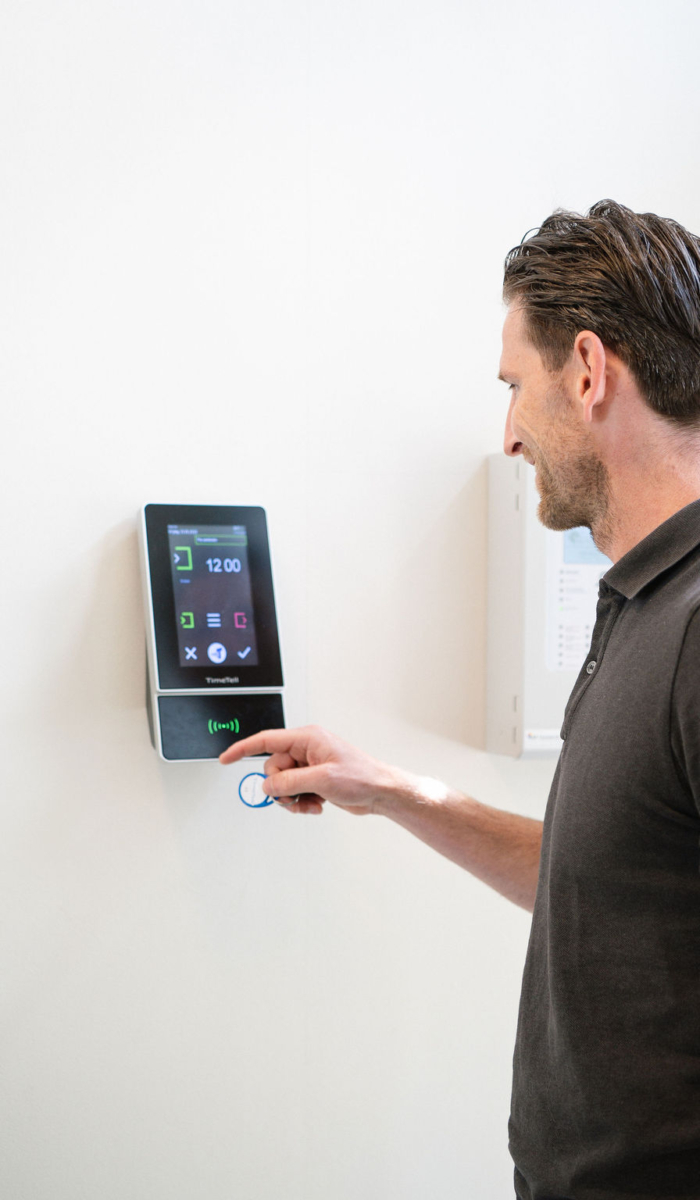
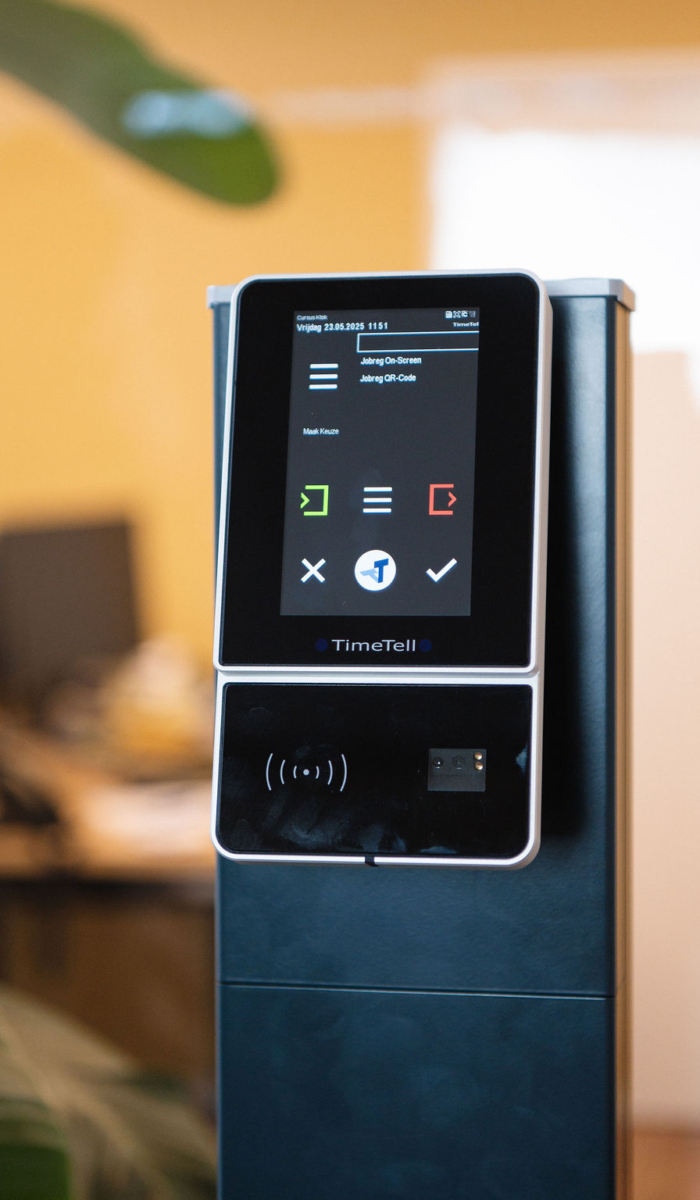
Yes. With the Timetell app or the desktop application, you can clock in and out digitally. You can also use the external clock-in option during off-site work visits. Flexible, convenient and always available.
-
How do I request leave through the Timetell app?
Requesting leave is quick and easy. Employees choose the leave type, select the days and submit the request with a single tap. Managers receive an immediate notification in the app and can approve or reject the request. Everything is processed automatically in the system and shown in the calendar within Timetell
-
Can employees view their schedules and projects in the app?
Yes. Through the Timetell app, employees always have access to their personal schedules and assigned projects. Changes are synchronised in real time, ensuring everyone stays up to date. This prevents misunderstandings and strengthens collaboration.
-
Can employees submit expenses on the go via the app?
Yes, expenses can be submitted anytime and anywhere. With the app from Timetell, employees can submit an expense immediately after making a purchase, including a photo of the receipt or invoice. The claim is saved instantly and forwarded to the appropriate manager for approval.